Enterprise · Part of Telephony and CTI
Agent state sync
Agent state sync streams Zoom user status changes into FrontLine in real time, so an agent's on-call, after-call work, break, or offline state shows up the instant it changes. That single live state drives both the operations wallboard and Team Chat presence, with no separate status for agents to keep updated.
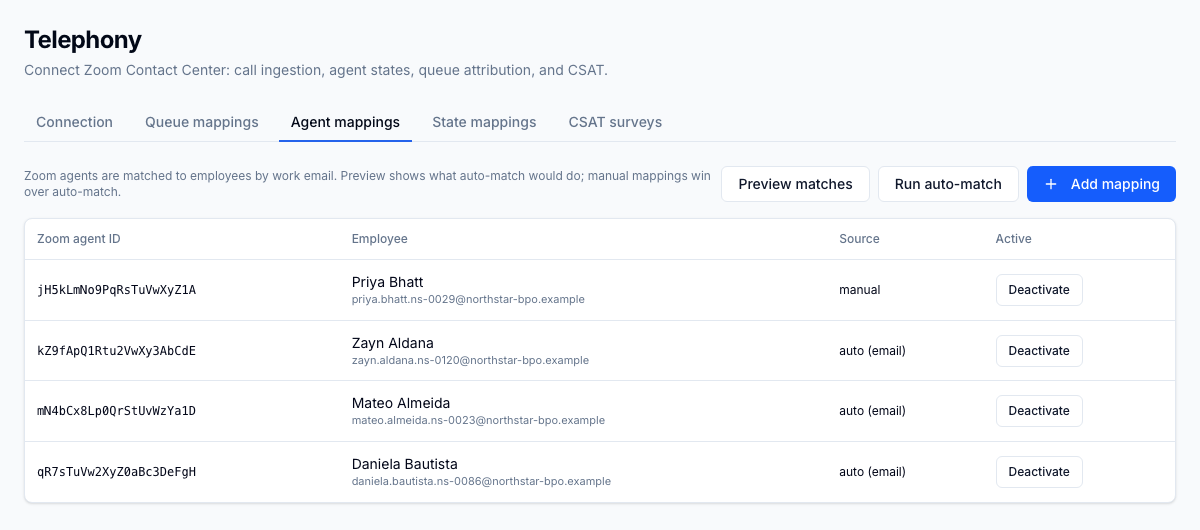
For the operator
In the State mappings tab you map each Zoom Not Ready sub-status onto a FrontLine wallboard state: Available, On call, ACW (After-Call Work: the wrap-up tasks an agent completes after a contact ends, before taking the next one.), Break, Aux with a reason code, or Offline. Anything you have not mapped falls back to built-in defaults, so the wallboard is never blank while you tune the mapping. A presence-timeout sweep marks agents stale when their status stops updating, so a frozen softphone does not sit on the board as Available. Because state flows one way from Zoom into FrontLine, your telephony platform stays the system of record and supervisors read one consistent picture across the wallboard and Team Chat.
Business impact
Supervisors manage from what agents are actually doing on the phones, not from a status someone forgot to change, so occupancy and adherence numbers reflect reality. One live state feeding both the wallboard and chat presence removes the double-entry and reconciliation work that eats supervisor time. The presence-timeout sweep catches stuck sessions early, so paid idle time and missed handling do not hide behind a stale Available. And because the state you report matches Zoom, the adherence and availability figures you share with clients hold up when they ask how the numbers were produced.