Enterprise · Part of Telephony and CTI
Amazon Connect
FrontLine connects to Amazon Connect and turns contact records into call interactions, live agent state, and QA (Quality Assurance: the program that scores and reviews agent interactions.)-ready recordings. Supervisors get live silent monitor and barge across one or more Connect instances in the same tenant.
For the operator
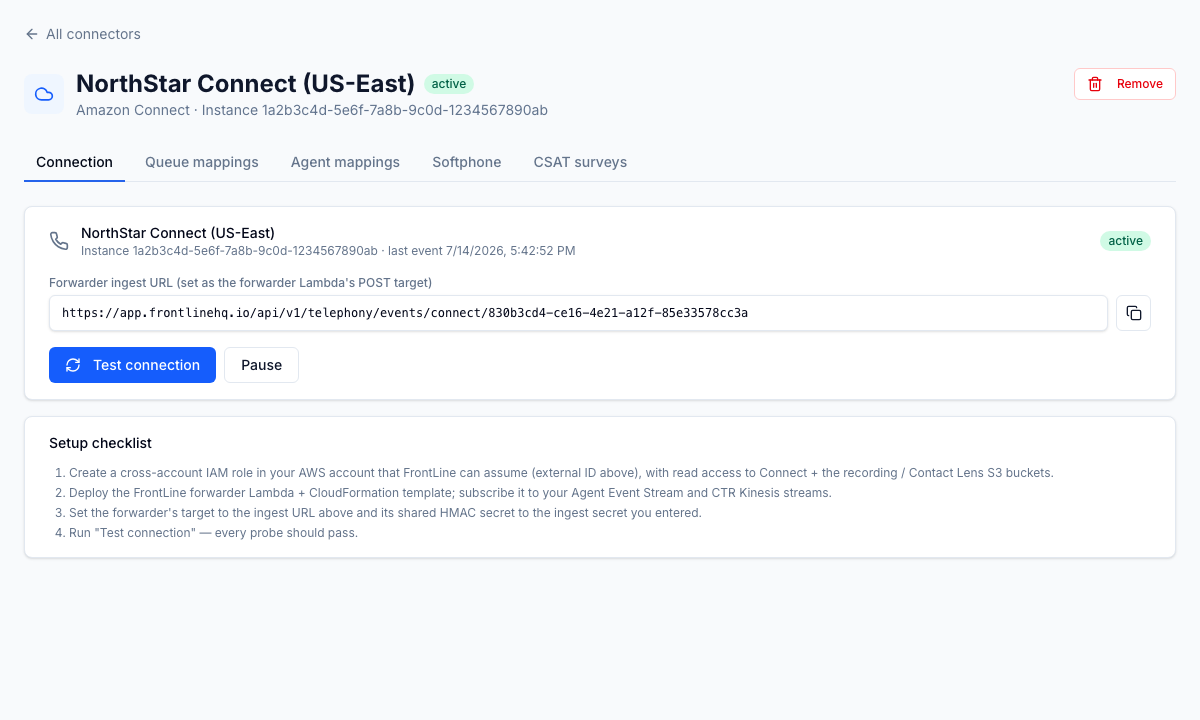
FrontLine ingests Amazon Connect contact records and groups them by InitialContactId, so a call that transfers or re-queues reads as one interaction rather than several rows. Agent state syncs to the wallboard and to Team Chat presence, and CSAT (Customer Satisfaction: a post-interaction score for how satisfied a customer was.) is read from Connect contact attributes. Call recordings in S3 are reachable through audited access and link to their QA evaluations, and supervisors can run silent monitor and barge on live calls through Connect's MonitorContact (whisper is not available on Connect). Because Connect has no native webhooks, ingestion runs through a small forwarder Lambda in your own AWS account, and FrontLine ships a reference bundle to stand it up. You configure it from the Settings telephony page across the Connection, Queue, and Agent tabs, and a single tenant can run multiple Connect instances; inbound screen pop and Contact Lens transcripts are not part of the Connect adapter.
Business impact
Your Connect contact data lands in the same workspace as QA, WFM (Workforce Management: forecasting, scheduling, and adherence.), and Team Chat, so supervisors stop stitching the AWS console to FrontLine by hand and you keep one operational picture per client. Grouping by InitialContactId gives accurate per-call handle time and volume, which protects billing accuracy and staffing decisions. Audited recording access linked to QA gives you a clean evidence trail for client disputes and compliance reviews. Live silent monitor and barge let supervisors catch and correct a call in the moment, which supports coaching and new-agent ramp. The forwarder runs in your own AWS account, so contact data and recordings stay under your controls while FrontLine reads what it needs.