Enterprise · Part of Team Chat
Channels & direct messages
Team channels and one-to-one direct messages live together at /chat, so conversations happen inside FrontLine instead of a separate chat tool. A channel can run tenant-wide or be scoped to a specific client account and line of business.
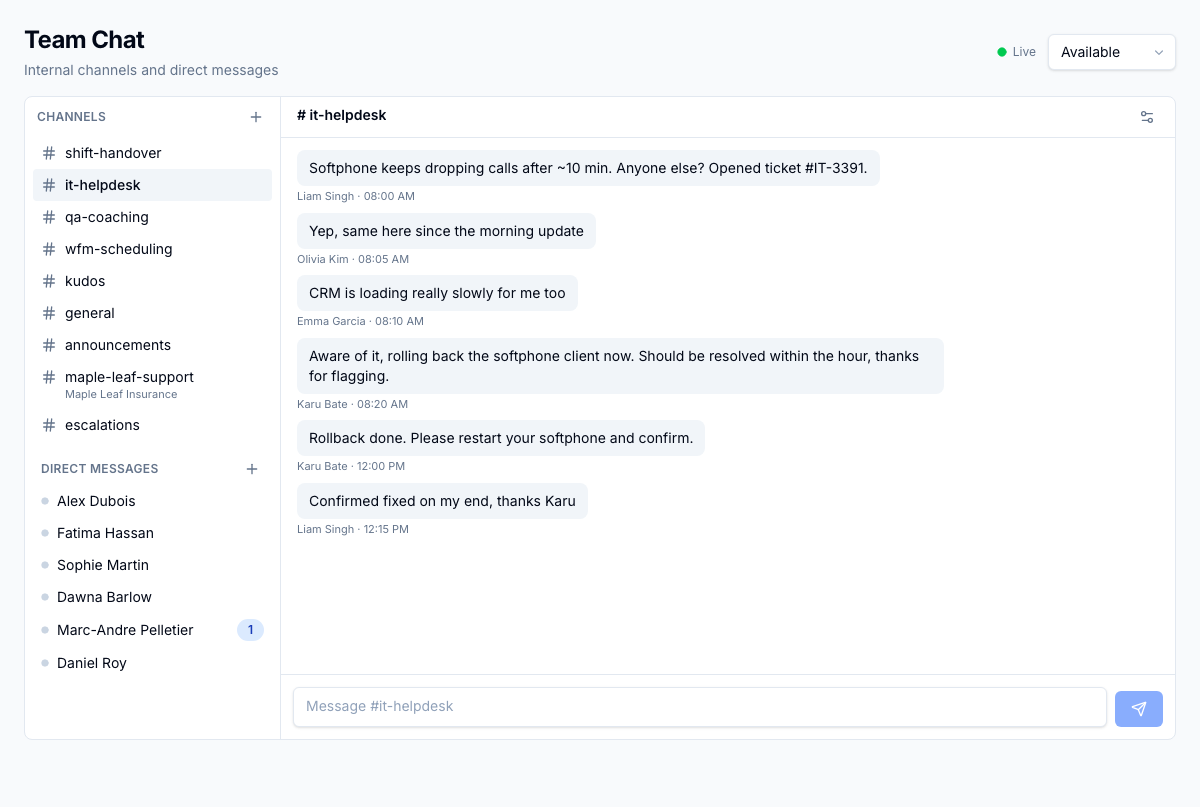
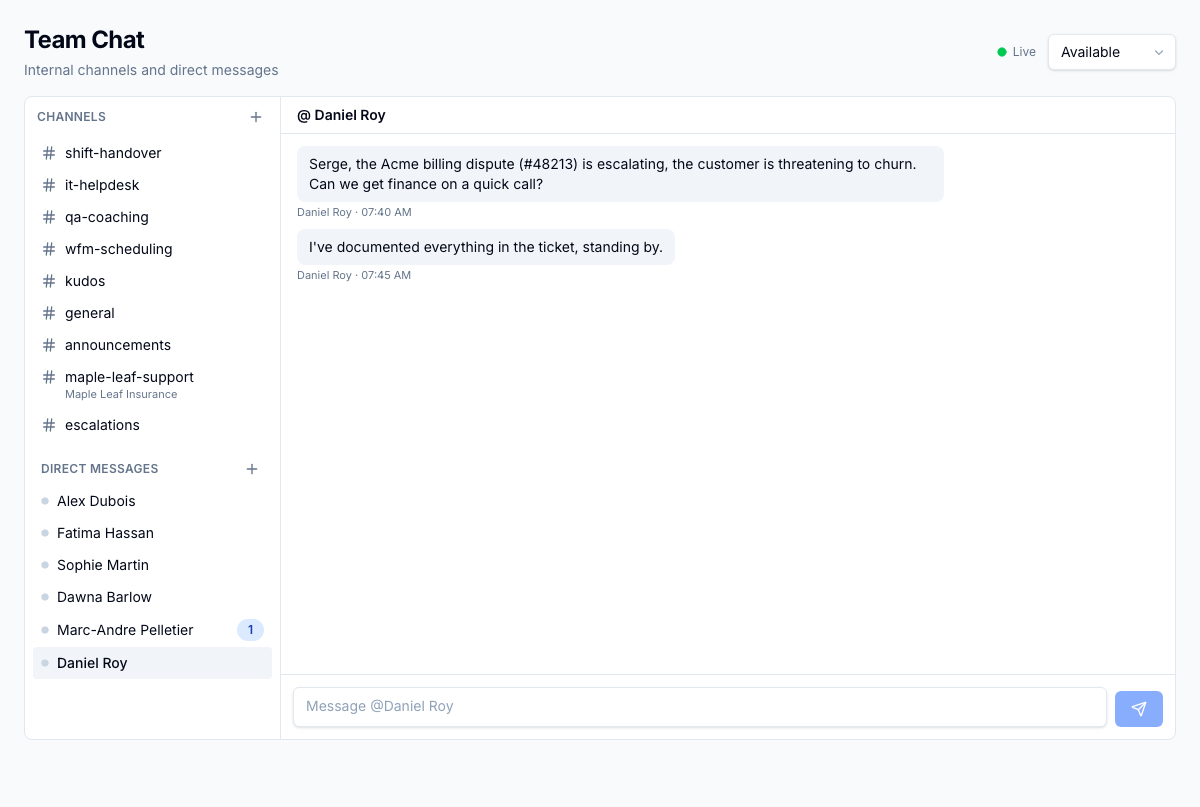
Team channels and one-to-one direct messages in one place, with a live conversation open and both lists in the sidebar.
1 / 2
For the operator
You open /chat to a list of channels alongside your direct messages, and pick a thread to work in. A channel scoped to a client shows its client and LOB (Line of Business: a distinct client program or queue within an operation.) right in the sidebar, so it stays clear who a conversation is about. You send, edit, or delete messages as you go, and a deleted message leaves a [message deleted] marker so the thread still reads in order. As you catch up, the unread badge clears and stays cleared after a reload, because where you left off is remembered for you. A channel's owner or moderator adds and removes members, renames the channel, sets its topic, and archives it when the work is done.
Business impact
Internal coordination stays inside the platform and next to the work, with the right people in each channel and a readable history no one can quietly rewrite.