Starter · Part of HR
Schedule future-dated changes with conflict detection
Approve a transfer effective two weeks out, the system queues it and applies it on the date — automatically. If a conflicting change comes in (say, a different transfer for the same date), the system flags the collision instead of silently overwriting.
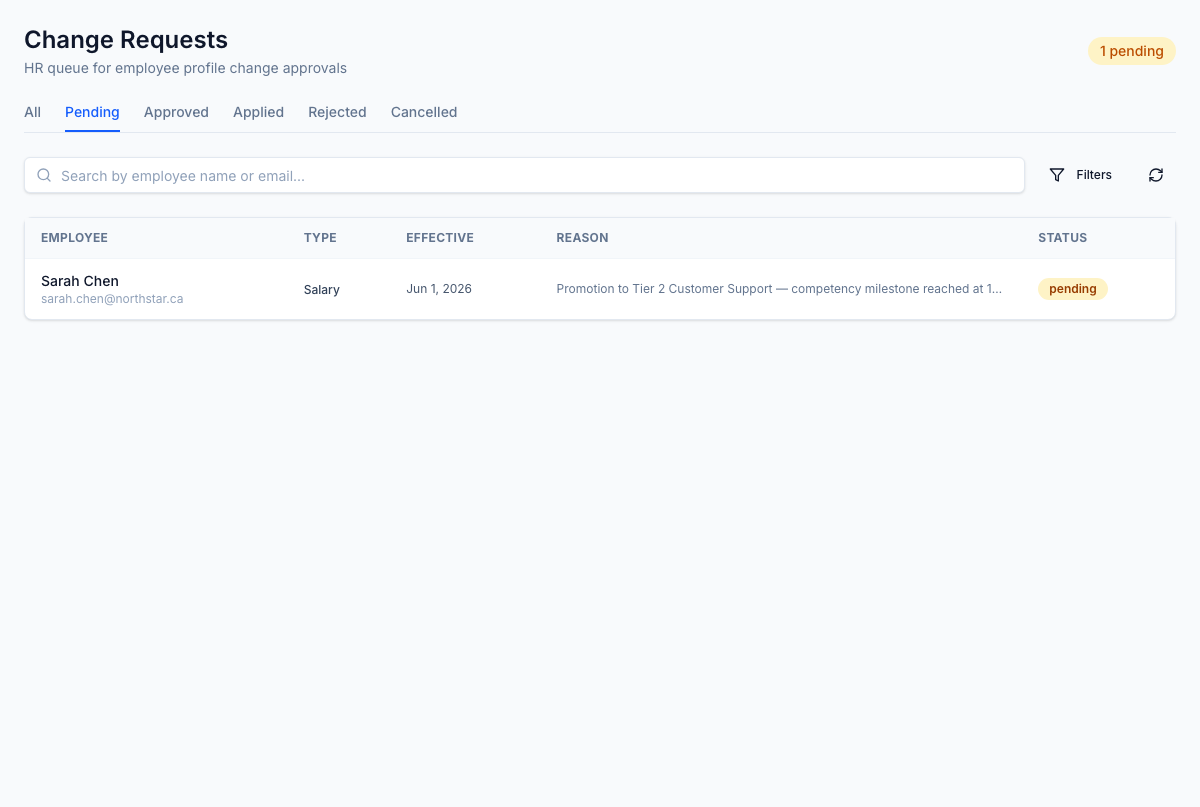
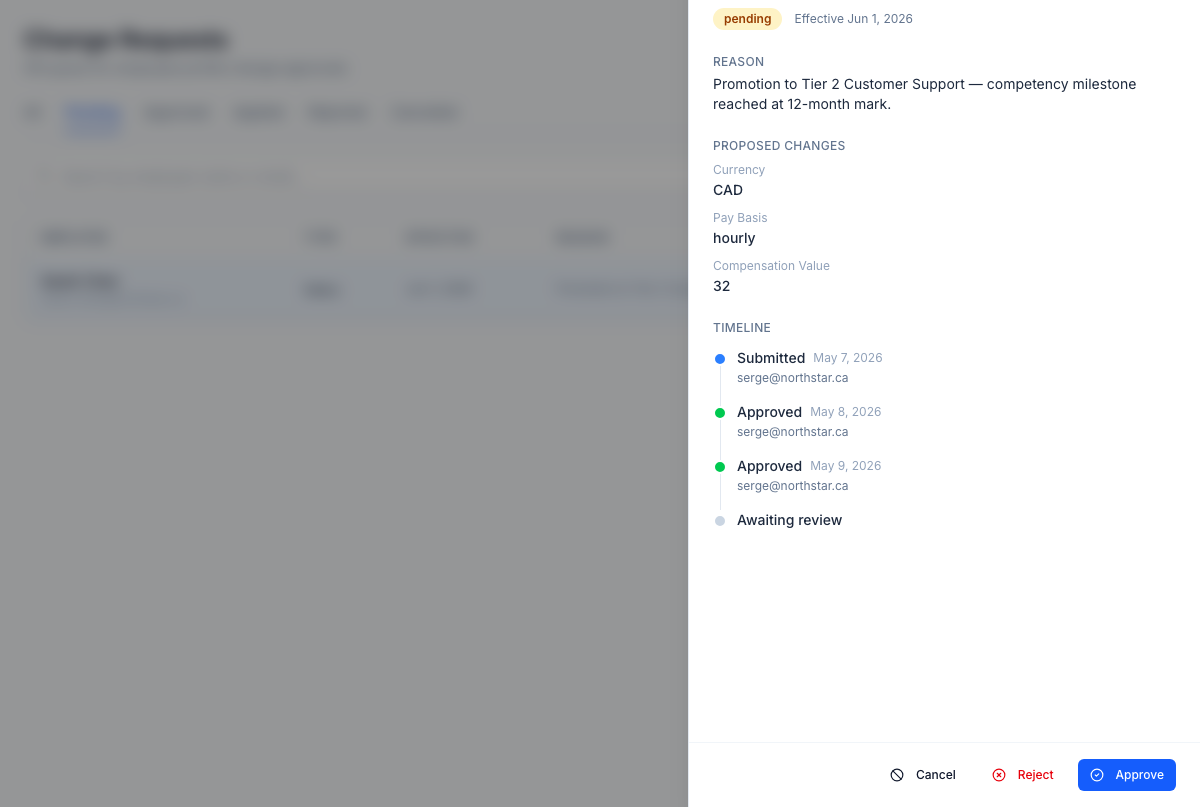
Future-dated changes are queued in the Pending tab — the effective date drives when the change actually applies.
1 / 2
For the operator
Approve a transfer effective two weeks out, the system queues the change and applies it on the date — not a moment before, not a moment after. If a conflicting change comes in for the same employee and date (a different transfer, a leave overlap), the system flags the collision rather than silently overwriting. You stop using calendar reminders to manually trigger approved future changes.
Business impact
Forgotten-to-apply future-dated changes are the source of the 'oh wait, that should have changed last week' rework that consumes HRBP time and embarrasses managers in front of their teams. Scheduled application removes the manual-trigger failure mode and conflict-detection prevents the silent-overwrite defect. Cleaner forward planning and a defensible record of every scheduled change.