Growth · Part of Skills and Competency
Skill taxonomy — categories, skills, proficiency scales
Operations teams manage their own skill tree from a 3-tab admin surface — categories, skills, certifications — with proficiency scales seeded out of the box. No engineering ticket to add a new skill or rename a category.
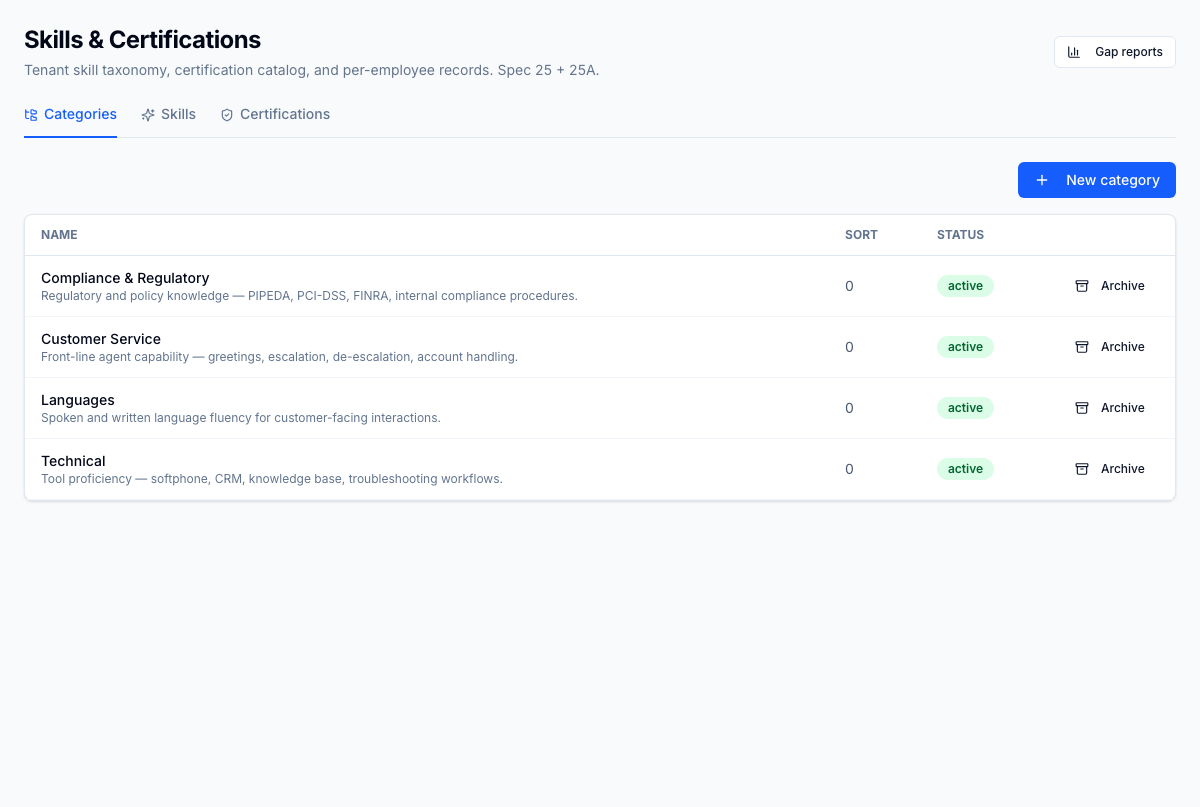
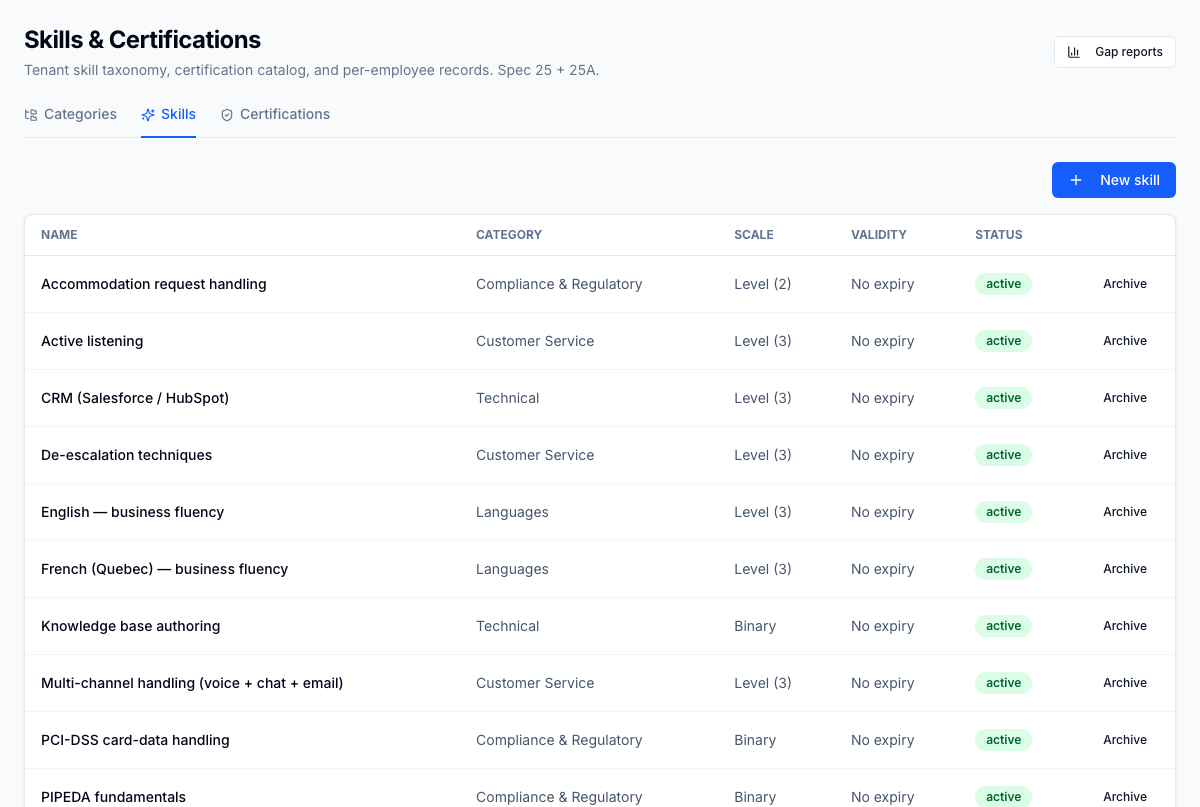
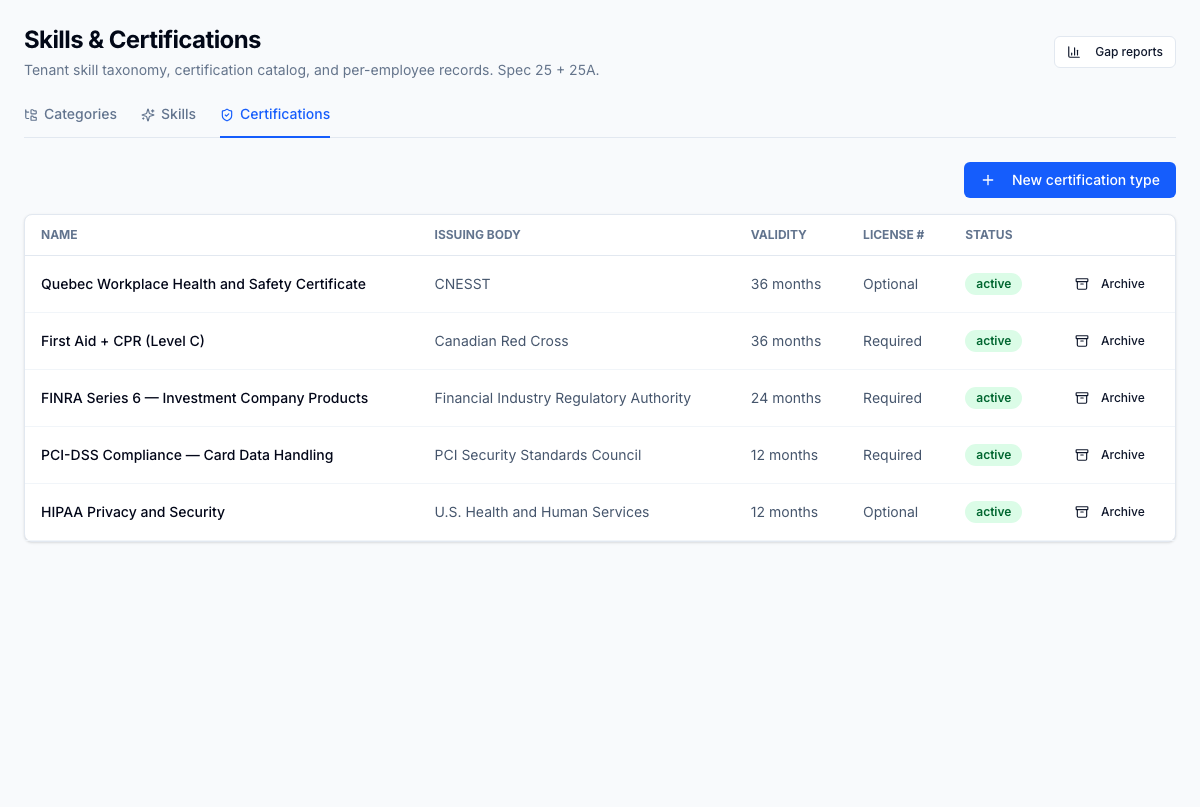
Skills admin — Categories tab. Operations-managed skill tree: Customer Service, Compliance & Regulatory, Languages, Technical. Operations updates the taxonomy when client work changes; no engineering ticket required. Every change is captured in the audit log.
1 / 5
For the operator
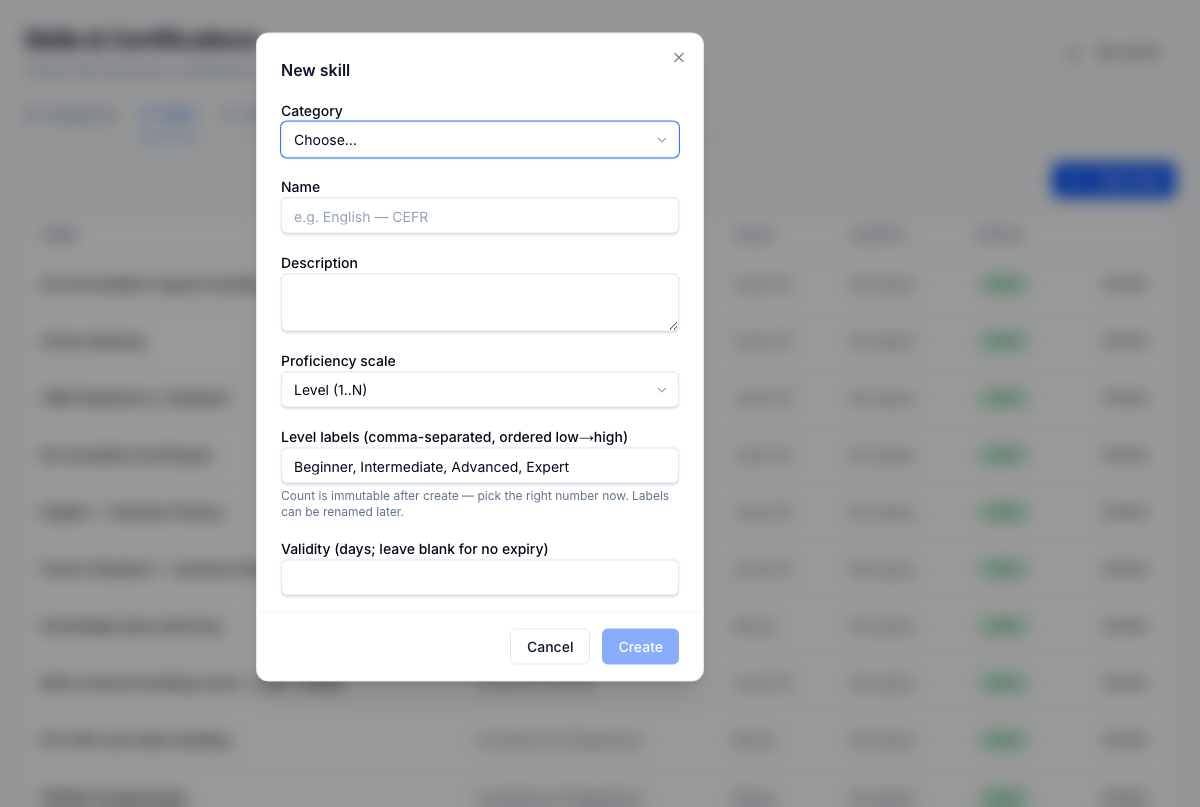
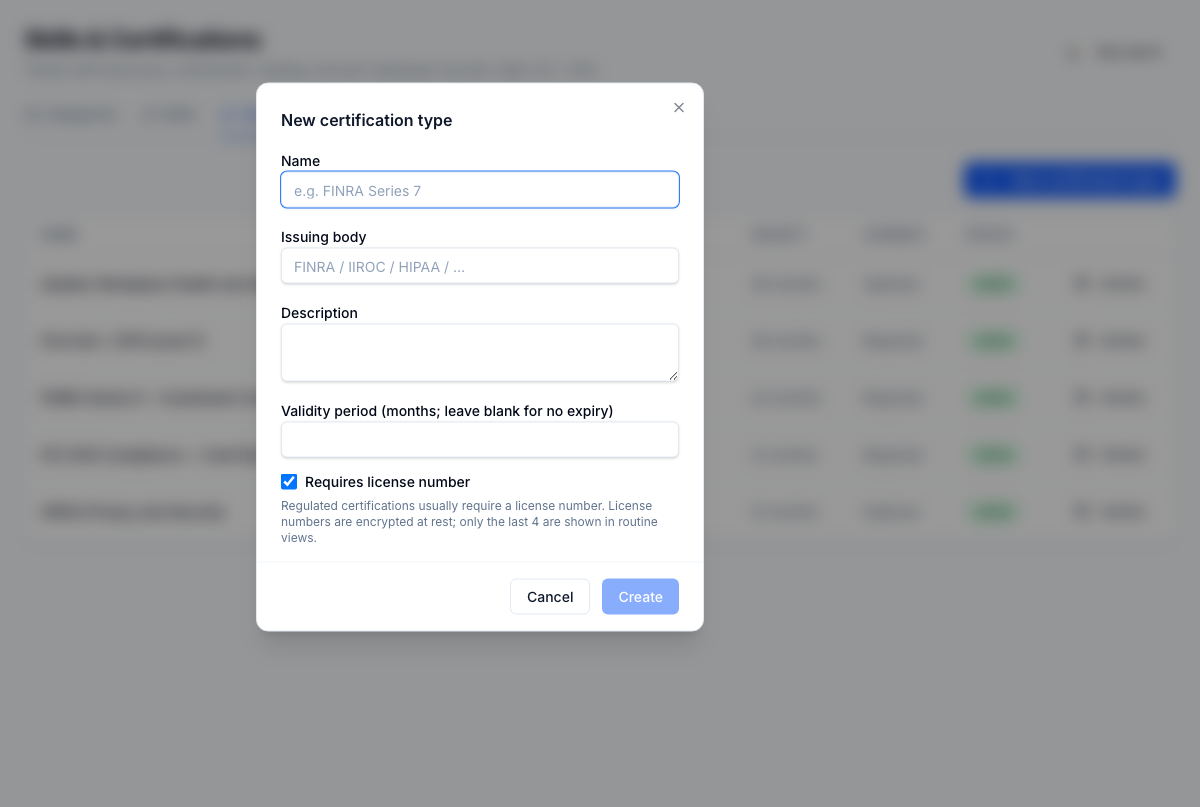
/skills surface, 3 tabs. Categories tab: create, archive, rename. Skills tab: assign skill to category, pick proficiency scale (binary or level), set custom level labels, set validity period for automatic decay. Certifications tab: regulated certification types (FINRA, HIPAA, PCI, custom). Tenant-managed end-to-end — operations updates the taxonomy when client work changes; engineering never sees the ticket.
Business impact
Skill-program maturity is what unlocks both training ROI and scheduling precision — and what kills it at most contact centres is the spreadsheet that nobody updates because the system requires a developer. A tenant-managed taxonomy turns the skill program from a one-time setup project into ongoing operational work. The taxonomy stays current; the downstream systems (training, scheduling, QA (Quality Assurance: the program that scores and reviews agent interactions.)) inherit the right data.