Operations team manages the category tree — categories, sub-categories, sort order, active / archived. Articles attach to categories; categories drive filter chips and gap analysis.
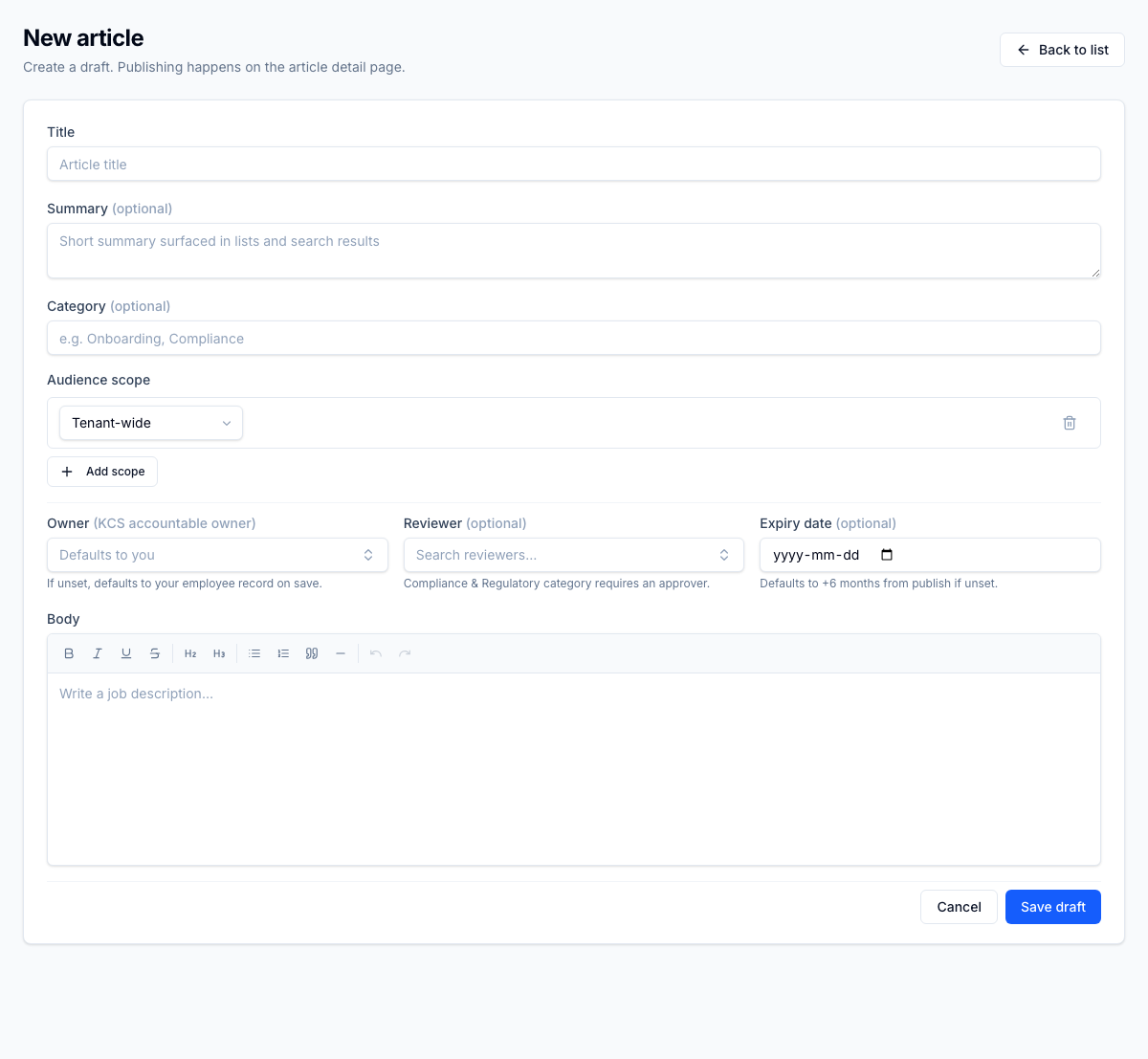
Category field on the article editor — typed-in taxonomy with the system + tenant category tree behind it. The Reviewer help line below surfaces the rule that ties taxonomy to workflow: "Compliance & Regulatory category requires an approver" before publish. One taxonomy drives the list column, the search ranking, the client-portal browse filter, and the compliance gate.
For the operator
/knowledge categories tab lets the KM lead build the tree (e.g. 'Customer Service' → 'Returns' → 'Refunds'). The editor surfaces the category picker as a typeahead. Article browsers (internal + client portal) show category chips for filtering.
Business impact
Category structure is what determines whether 200 articles feel discoverable or like a haystack. Operations-managed taxonomy keeps the category structure aligned with the actual work as it evolves — no engineering bottleneck, no quarterly 'reorganize the KB' project.