Starter · Part of Knowledge Management
Knowledge browsing in the client portal
Published articles surface to client portal users via an EXISTS audience subquery — each row resolves visibility independently, so client A never sees client B's content even with a forged URL. Search + Client + LOB (Line of Business: a distinct client program or queue within an operation.) + Category filters narrow results server-side in one round trip.
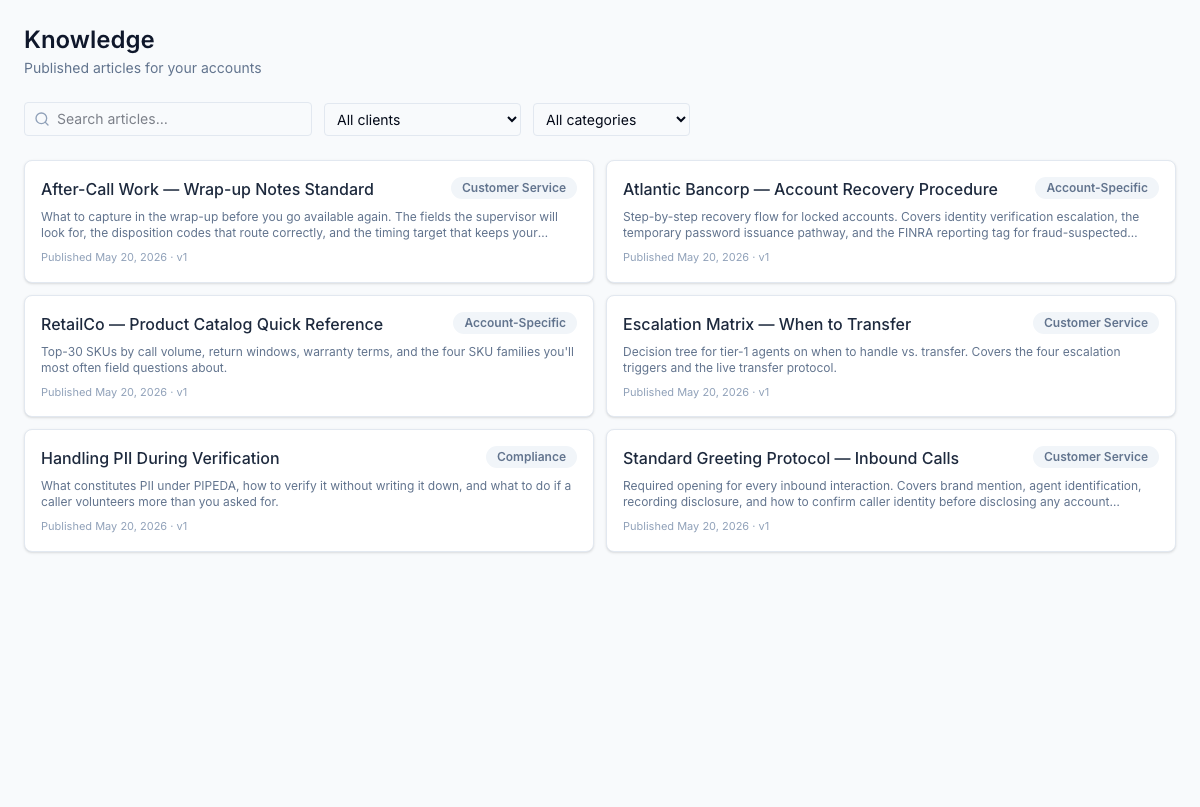
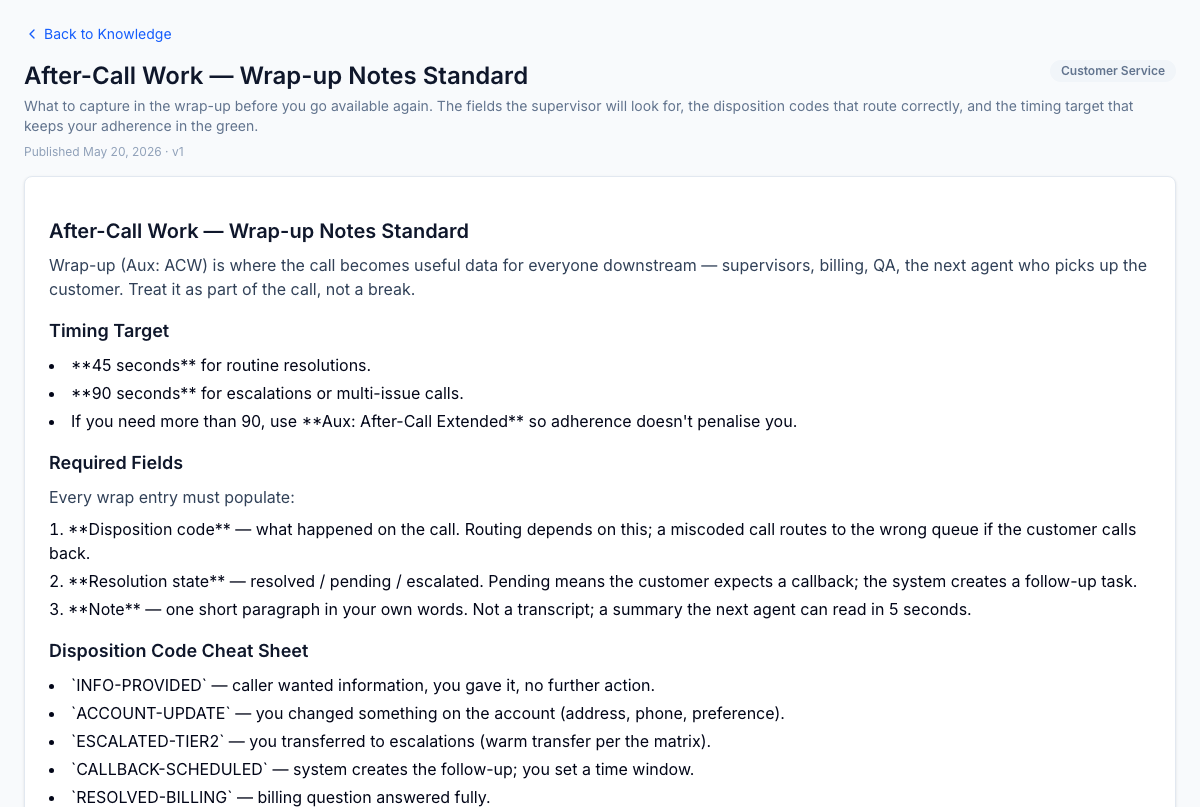
Client portal knowledge surface — articles scoped to the client's account and LOB, server-side filtered via the EXISTS audience subquery so clients never see internal contact centre ops content. Four filters above the grid: search box, Client account dropdown, LOB dropdown (chained to client), Category dropdown.
1 / 2
For the operator
Client users open /client-portal/knowledge and see a grid of articles scoped to their account and LOBs. Four filters above the grid: search box, Client account dropdown, LOB dropdown (chained to client; appears once an account is picked), Category dropdown — plus a Clear filters pill when any are active. Click any card to read the full body. Same source of truth as the internal article, audience-filtered server-side. The account manager stops emailing PDFs; the client stops asking for the same document twice.
Business impact
Client documentation requests are one of the recurring time-sinks in account management and one of the easiest to redirect to self-service. A scoped knowledge surface with proper filters eliminates the inbound request volume even when a client has multiple LOBs or your account team manages multiple clients from the same portal context.